


Table of Contents
- The best team out of office calendar apps give everyone a single view of who is unavailable, so no one accidentally schedules over a teammate’s vacation.
- Look for automatic meeting rescheduling and Slack or Teams integration to eliminate manual coordination when someone is away.
- Privacy controls matter: the right app lets team members show they are busy without exposing the reason for their absence.
Choosing the right team out of office calendar apps is one of those decisions that seems minor until the scheduling chaos hits: a meeting booked over someone’s vacation, a client email left unanswered because no one knew coverage was needed, a manager scrambling to figure out capacity with half the team mysteriously away.
Most teams default to a combination of Slack announcements and shared spreadsheets to handle OOO visibility. It works, sort of, until someone forgets to update the sheet or the Slack message gets buried. The result is a ripple effect of missed handoffs, duplicate rescheduling efforts, and the kind of friction that makes people think twice about actually taking time off.
The five apps in this guide take different approaches to the same problem. Some focus on visibility, some on automation, and one on true AI-powered scheduling intelligence. Here is what each one does, where it excels, and what it does not cover.

What to Look for in Team Out of Office Calendar Apps
Before committing to a tool, it helps to understand which features actually matter for your team’s day-to-day workflow.
Shared availability view. The core feature: a single calendar where everyone can see who is out and when. This eliminates the need to dig through individual calendars or send a “is anyone around this week?” message in Slack.
Automatic rescheduling. The feature that separates basic OOO markers from real calendar automation. The best tools do not just block time; they move existing meetings when a team member goes out, so organizers are not left manually cleaning up the calendar.
Integration with your communication stack. Your OOO app should connect with Slack, Microsoft Teams, or Google Workspace so status updates happen automatically. This is especially useful for teams that also use HubSpot for client communication, where a gap in coverage can affect live deals and account relationships.
Privacy controls. Team members should be able to show they are unavailable without disclosing the reason. Whether someone is on vacation, at a medical appointment, or taking a mental health day, the right tool protects that information while still signaling the absence clearly.
AI and smart tooling. Teams that use AI productivity tools like Rank Prompt for content workflows expect their scheduling tools to work just as intelligently. Newer OOO platforms are starting to match that standard with predictive scheduling and proactive conflict detection.

1. Reclaim.ai
Reclaim.ai treats out-of-office time as a scheduling trigger, not just a calendar label. When someone marks themselves as out, Reclaim automatically detects the OOO event, reschedules internal meetings like one-on-ones, and shifts task and focus time blocks by priority. It also syncs the person’s Slack status automatically, so teammates are not interrupting someone who is genuinely unplugged.
For teams trying to streamline client onboarding without breaking coverage, this kind of automation keeps projects moving even when key people are away. The shared team OOO view gives managers a bird’s-eye look at capacity throughout the year, which makes seasonal planning significantly less stressful.
Reclaim supports both Google Calendar and Outlook Calendar, so it works regardless of which platform your organization runs on. Team leads can also track and analyze time-off trends to identify coverage gaps and adjust annual planning around high-demand periods.
Key Features
- Automatic OOO event detection synced to a shared team calendar
- AI-powered rescheduling of meetings, tasks, and focus time when someone is out
- Slack status sync that activates and deactivates automatically around OOO dates
- Team-level time-off analytics to spot gaps and plan capacity
- Support for Google Calendar and Outlook Calendar
Limitations
- OOO Calendar is not available on the free plan
- No built-in leave approval workflows or accrual tracking
Pricing: Starts at $15/user/month
2. Google Calendar
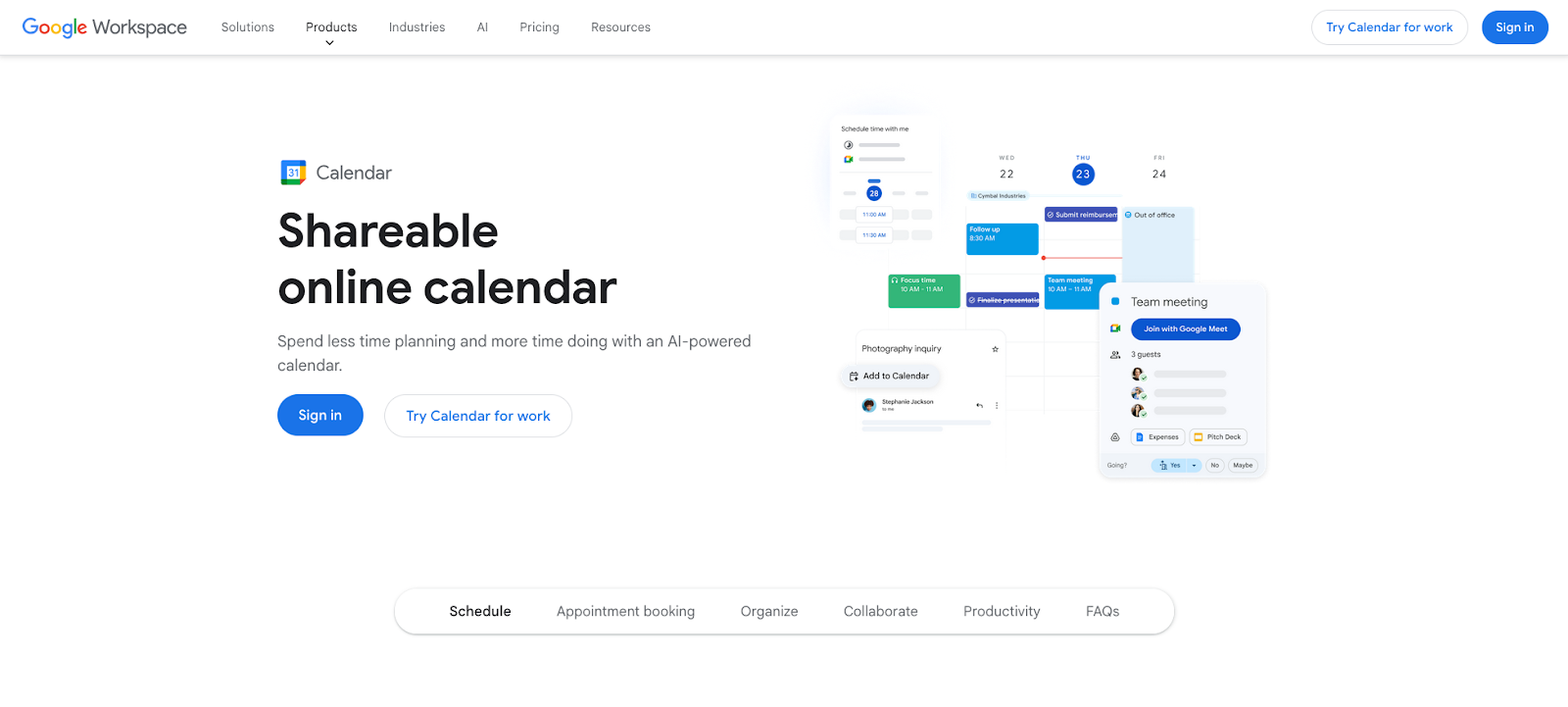
Google Calendar includes a dedicated “Out of office” event type that auto-declines overlapping meetings and sends a custom message to organizers. Pair it with Gmail’s Vacation Responder and you cover both your calendar and inbox in a few clicks.
Teams can also create a shared “Team OOO” calendar and have members add their time-off events manually, giving everyone a single place to check availability. For teams that already rely on ADHD-friendly work tools to reduce cognitive load, keeping OOO management inside Google Workspace helps streamline the mental overhead of tracking who is in and who is not.
The limitation is the manual effort required. There is no automatic sync between a person’s individual OOO event and the shared team calendar. If someone adds their time off to one but not the other, the team view is incomplete. And declined meetings are not automatically rescheduled; that falls back to whoever sent the invite.
Key Features
- Dedicated OOO event type with visual distinction from regular calendar events
- Auto-decline with a custom message for overlapping meeting requests
- Optional delegation so managers can set OOO on behalf of team members
- Pairs with Gmail’s Vacation Responder for inbox and calendar coverage
Limitations
- No automatic sync between personal and shared team calendars
- Declined meetings are not rescheduled; organizers must handle that manually
- OOO event type requires a Google Workspace account, not a free Gmail
Pricing: Included in Google Workspace plans starting at $7/user/month
3. Outlook Calendar
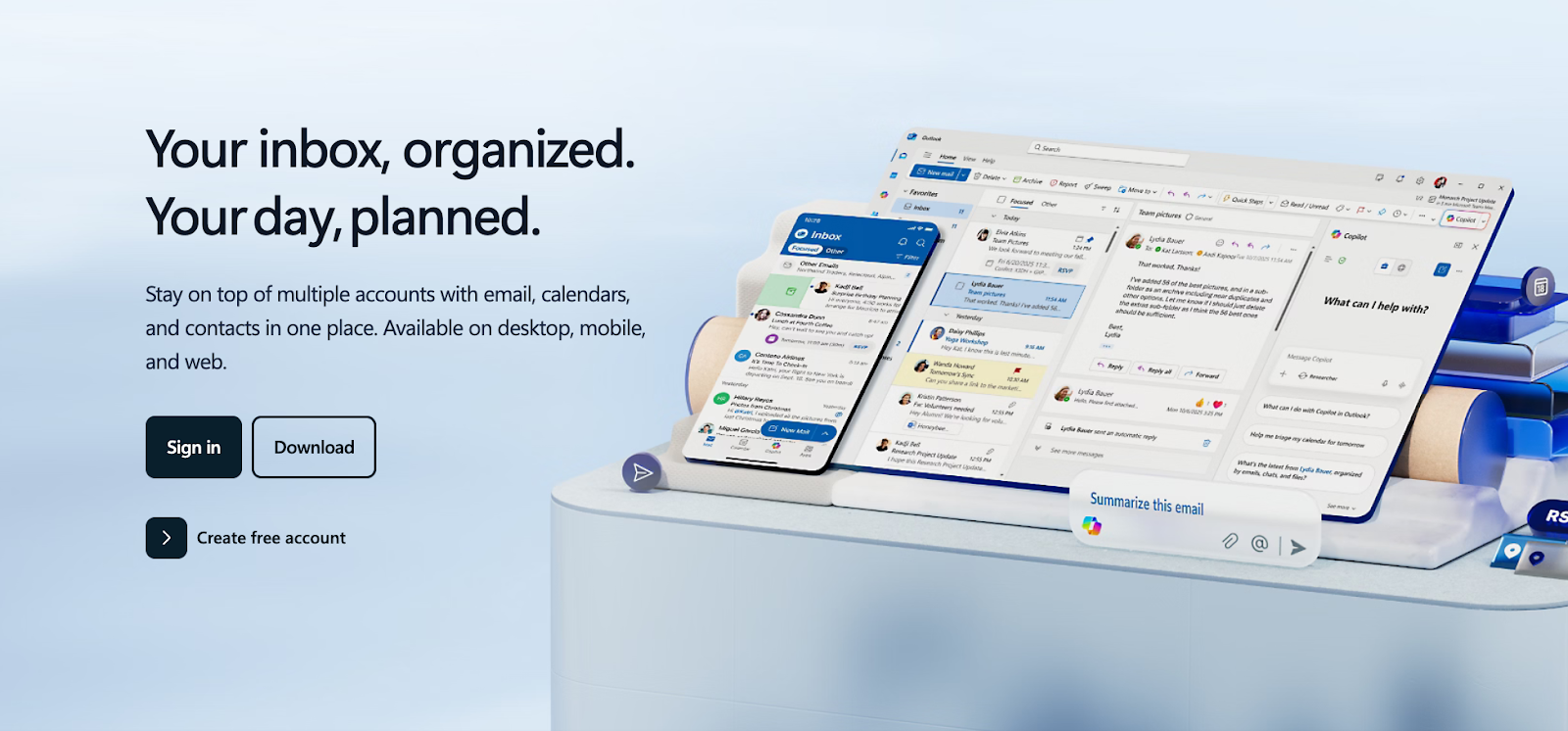
Outlook Calendar handles out-of-office through its Automatic Replies feature. You set a start and end date, toggle on automatic replies, and write separate messages for internal contacts and external parties. Clients get one message; your team gets another.
On the calendar side, you can create OOO events on shared group calendars and push calendar invites directly to teammates so your absence shows up on their schedule proactively. Teams that manage content operations, from running link building strategies to coordinating editorial calendars, will find Outlook’s group calendar functional for basic OOO visibility.
One important catch: setting up OOO in Outlook fully involves two separate steps. Automatic Replies lives in Mail settings, while OOO calendar events are created through the calendar interface. It is easy to complete one and forget the other, which results in your inbox saying you are out while your calendar still shows you as available.
Key Features
- Automatic Replies with separate messaging for internal vs. external contacts
- Group calendar OOO events for shared team visibility
- Calendar invites to colleagues so absences appear proactively on their schedules
- Microsoft Copilot support for drafting OOO messages
Limitations
- Full OOO setup requires two separate configurations (email and calendar)
- No AI rescheduling of meetings around PTO
- Advanced analytics require additional Microsoft licensing through Viva Insights
Pricing: Included in Microsoft 365 plans starting at $6/user/month
4. Timetastic
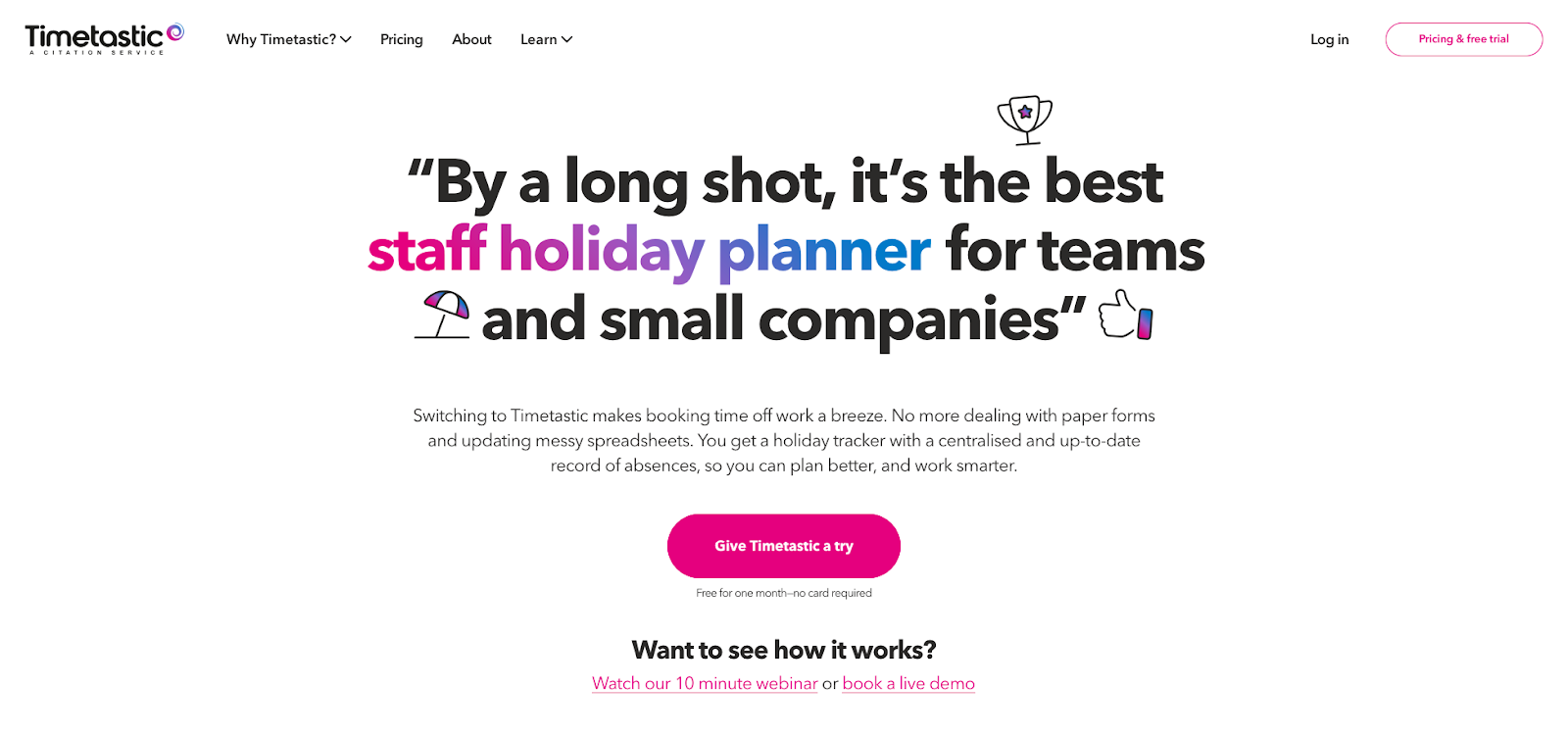
Timetastic keeps leave management straightforward. You get a shared team wallchart showing all absences at a glance, one-click approvals for managers, and a calendar feed that pushes leave data to your existing calendar. At roughly $1.50/user/month, it is one of the most affordable options available.
One thing to know before committing: in Google Calendar, Timetastic events display as “Busy” rather than “out-of-office,” which gives teammates less context when they are checking availability. In Outlook Calendar, the feed correctly shows as “out-of-office.” The calendar feed is also one-way, meaning Timetastic pushes to your calendar but cannot reschedule anything automatically.
For independent workers and small business owners who have navigated freelancing struggles around maintaining client communication during time off, Timetastic covers the basics without the overhead of a full HR platform. Daily email digests automatically summarize who is on leave, so no one is caught off guard. Slack integration is available on all plans, with Microsoft Teams support on the Pro tier.
Key Features
- Team wallchart showing all absences in a single shared view
- One-click approvals directly from email notifications, no tool login required
- Daily absence email digests sent to the whole team automatically
- Public holiday calendars for multiple countries, set once per location
- Burnout alerts that flag team members who have not taken enough time off (Pro plan)
Limitations
- No automatic meeting rescheduling or conflict resolution
- Google Calendar displays leave as “Busy” rather than “out-of-office”
- Calendar feed is one-way only
Pricing: Paid plans start at approximately $1.50/user/month
5. Teamup Calendar
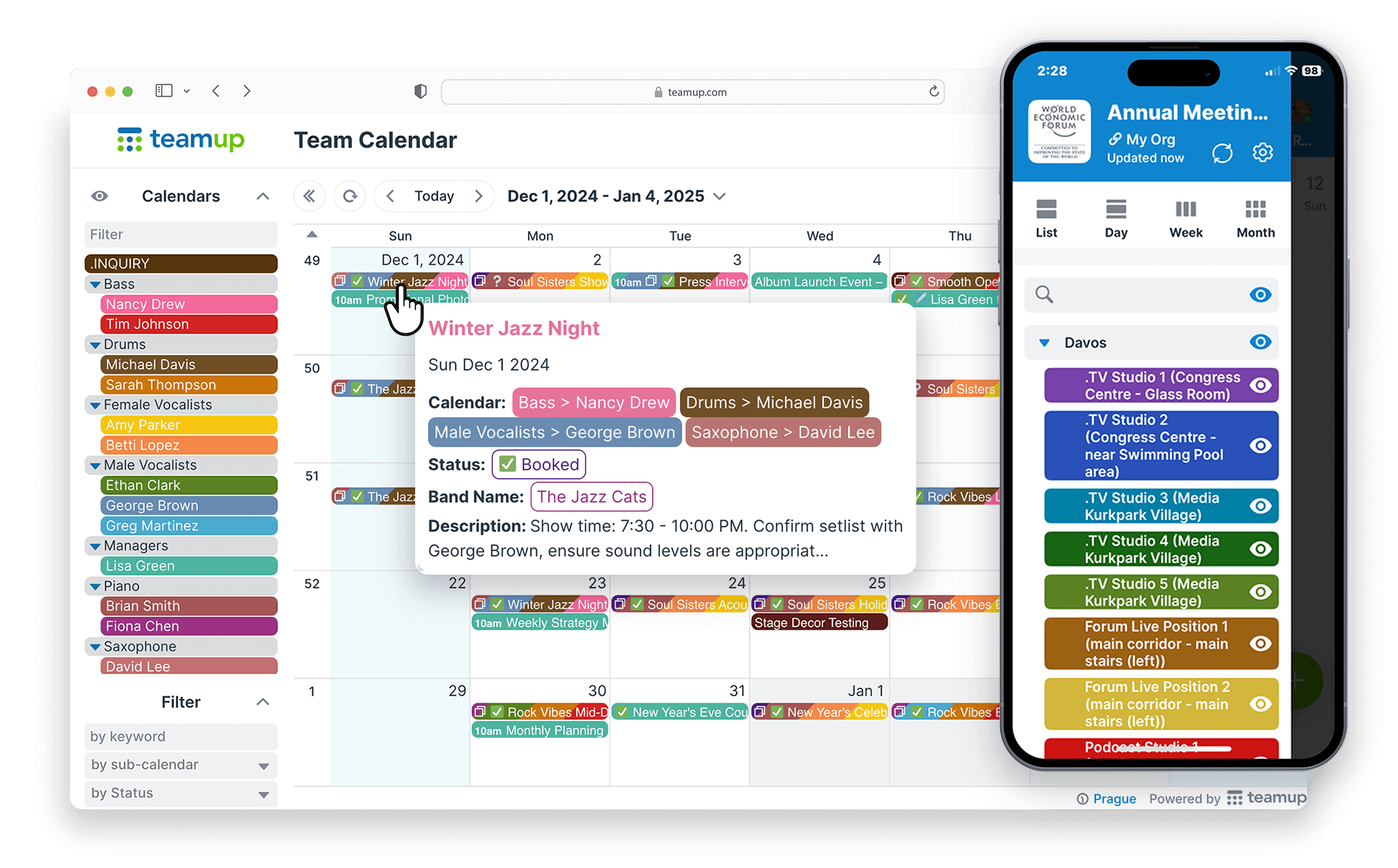
Teamup Calendar is a group scheduling platform built around visual clarity. It uses color-coded sub-calendars to separate individuals, departments, or event types in a single view. Team members do not need to create an account to view or update the calendar, which makes it particularly useful for teams with contractors, external collaborators, or rotating project staff.
For content creators and community managers, whether they are figuring out the Patreon vs. Substack question or coordinating a team of freelance contributors, Teamup keeps the publishing and coverage schedule visible without locking everyone into another tool sign-up.
Privacy controls are a genuine strength. You can assign granular permission levels to different users, so a team member can mark themselves as unavailable without exposing the specific reason to everyone with calendar access. Read-only shareable links allow external stakeholders to view a schedule without gaining edit permissions. For teams looking to create ADHD-friendly travel plans or manage scheduling for neurodivergent team members, Teamup provides a clean visual overview that reduces the cognitive friction of tracking who is where and when.
The limitation is that Teamup is a visibility tool, not an automation platform. There is no meeting conflict resolution, no Slack or Teams integration out of the box, and no automatic rescheduling when someone marks themselves as out.
Key Features
- Color-coded sub-calendars for individuals, departments, or event types
- No account required for team members to view or update (permission-based access)
- Granular privacy controls: show “busy” without revealing the reason
- Shareable read-only links for external stakeholders
- Works in any browser with no installation required
Limitations
- No automatic meeting rescheduling or conflict detection
- No native Slack or Microsoft Teams integration
- No leave approval workflows or accrual tracking
Pricing: Free plan available. Paid plans start at around $8/month for up to 8 users.

How to Choose the Right OOO Calendar for Your Team
The decision comes down to what kind of problem you are actually solving.
If the issue is visibility, meaning your team does not know who is out, Teamup Calendar, Google Calendar, and Timetastic will handle that with minimal setup. If the issue is automation, meaning meetings keep getting scheduled over vacations and nobody is rescheduling them, Reclaim.ai is the only tool in this list built specifically to address that.
Teams on Microsoft 365 who do not want to add a new tool should start with Outlook’s built-in features, but make sure to complete both the Automatic Replies configuration and the calendar event setup, or the OOO coverage is only half done.
For teams running online course platforms through tools like LearnWorlds, a lightweight tool like Timetastic or Teamup provides enough OOO visibility without forcing your entire team onto a new platform. Technical teams managing web infrastructure through Plesk or similar tools will often benefit more from Reclaim’s automated rescheduling, since on-call and deployment schedules need to shift automatically when a key engineer is out.
Whichever direction you go, the goal is the same: make time off visible, protected, and frictionless so taking a vacation does not mean coming back to a week of damage control.

The Right OOO Tool Makes a Real Difference
Tracking team availability manually is one of those problems that feels manageable until it suddenly is not. A single missed handoff or a meeting booked over someone’s PTO can turn a quiet week into a stressful one, for the person who was out and for the colleagues left scrambling to cover.
The five team out of office calendar apps in this guide each take a distinct approach. Some prioritize simplicity and fast setup; others add intelligent automation that keeps calendars intact even when people are away. There is no single right answer, but there is a right answer for your team’s size, tools, and tolerance for manual scheduling work.
If your team is ready to move beyond the spreadsheet-and-Slack approach to OOO, Reclaim.ai is worth a serious look. It is the only tool here that goes beyond tracking and actually adapts your team’s schedule around time off, automatically.
Stop Letting PTO Create Scheduling Chaos
Reclaim.ai automatically detects OOO events, reschedules internal meetings, updates Slack statuses, and keeps your team’s calendar running smoothly while people are actually offline. Try it free and see what your next PTO season looks like when the calendar handles itself.
Frequently Asked Questions
What is the best free team out of office calendar app?
Google Calendar and Teamup Calendar both offer free options for shared OOO visibility with no additional software required. If your team runs primarily in Slack, Time Off by Deel is also free and includes automatic Slack status updates.
Does Reclaim.ai work with Outlook Calendar?
Yes, Reclaim.ai supports both Google Calendar and Outlook Calendar, so it integrates with whichever platform your organization already uses.
Can team members keep their OOO reason private?
Most dedicated OOO tools, including Teamup Calendar and Reclaim.ai, allow team members to appear as “busy” or “unavailable” on the shared calendar without disclosing the specific reason for their absence.

Maria is an accomplished digital marketing professional, specializing in content marketing and SEO. She's a neurodivergent who strives to raise awareness, and overcome the stigma that envelopes around mental health.




No Comment! Be the first one.