


Table of Contents
- What Is ADHD Digital Journaling, and Why Does It Work?
- How Do You Start ADHD Digital Journaling Without Burning Out?
- What Are the Best Tools for ADHD Digital Journaling?
- Can ADHD Digital Journaling Help With Sleep?
- How Can You Make ADHD Digital Journaling Fit Your Brain and Culture?
- Your Journal Only Has to Be Used, Not Perfect
- Frequently Asked Questions
- Short, prompted entries tied to a daily cue make journaling easier to keep.
- The best journal is the one you will actually open, whether it is digital, paper, or both.
- Missing a day is normal, so restart on a fresh page instead of catching up.
ADHD digital journaling gives your busy mind a safe place to park thoughts before they vanish. If your brain feels like a browser with 40 tabs open, you know how fast tasks, ideas, and feelings pile up. One simple note on your phone can hold all of it.
Most journaling advice assumes you can write calm paragraphs every night, and that is rarely how an ADHD brain works. It is general information, not medical advice, so please talk with a licensed professional about diagnosis or treatment.
What Is ADHD Digital Journaling, and Why Does It Work?
ADHD digital journaling is the habit of capturing tasks, thoughts, and feelings in an app instead of a paper notebook. It works because it moves information out of your head and onto a screen, so your working memory does not have to hold everything at once.
Working memory is the mental sticky note that keeps a thought alive while you use it. ADHD often makes that sticky note unreliable. Researcher Russell Barkley calls the fix externalizing: getting information out of your brain and into a form you can see.
Healthline adds that journaling may support focus, emotional regulation, memory, and organization. It can also lower stress by giving feelings somewhere to land. Those benefits depend on a format you can keep up, and that is where many people struggle, because planning, focusing, and remembering are the exact skills ADHD makes harder.
Here is a quick example. Instead of juggling “reply to the landlord, buy rice, why am I so tired?” in your head, you type three quick lines and move on. The thoughts are saved, and your mind is free for the next thing. New to the topic? Start with our guide to adult ADHD basics.
Is Digital Journaling Better Than Paper for ADHD?
Not always, but it can be the better choice for you. Handwriting tends to help people process and remember more, and a notebook has no notifications to derail you. Still, the best journal is the one you will actually open.
ADHD digital journaling has real strengths. Your entries are searchable and sync across devices, and most apps support reminders and voice-to-text. Healthline also suggests trying different formats, including voice recordings and video diaries. ScienceInsights agrees that if paper has failed you more than once, the app wins.
Here’s what you can do, switch on Do Not Disturb before you open your journal. Your notes app then becomes a quiet room instead of a hallway full of pings. For more ideas, see how to stay focused and minimize distractions with ADHD.
How Do You Start ADHD Digital Journaling Without Burning Out?
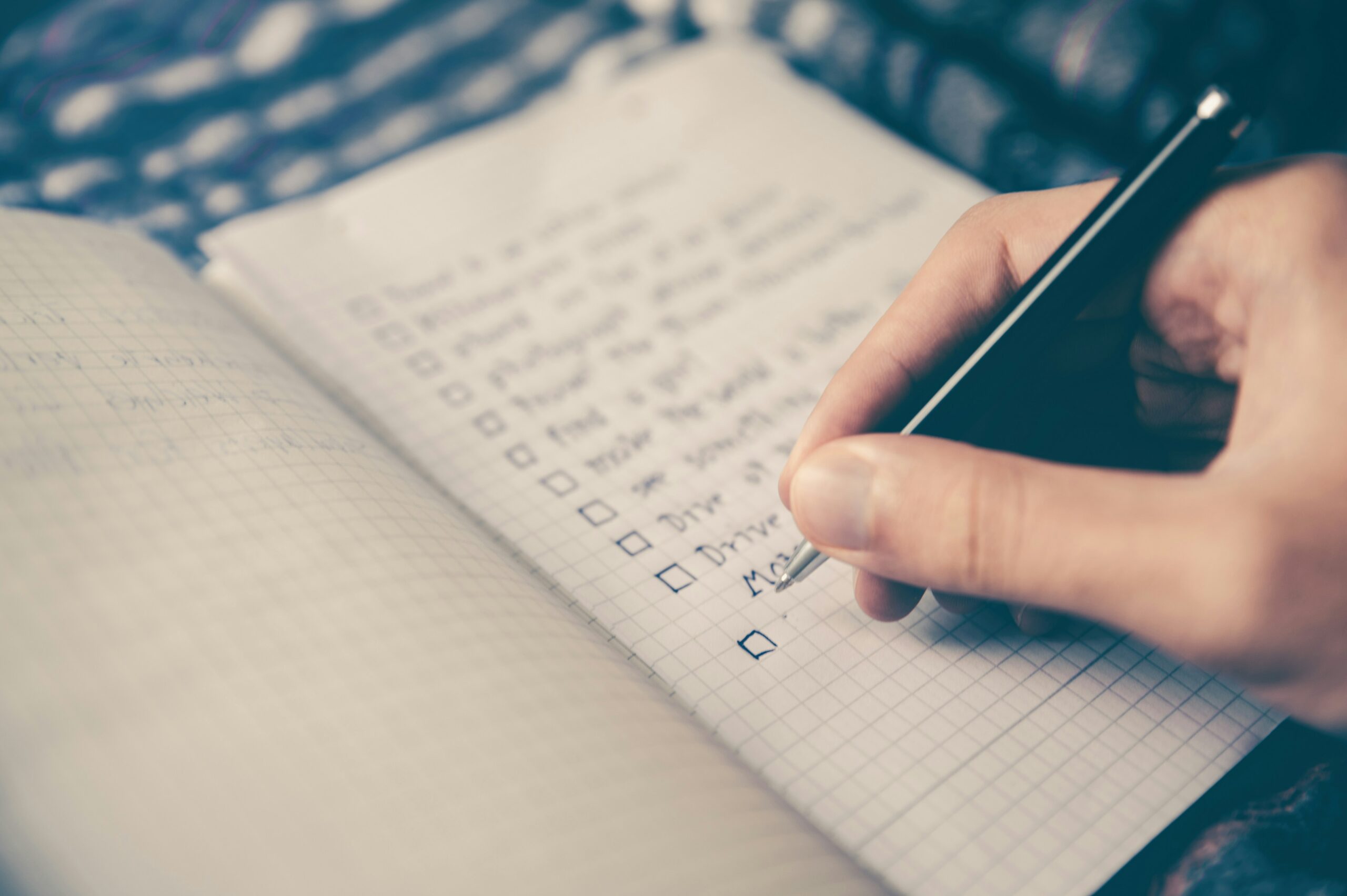
Start tiny. Write three short bullets, use a prompt so you never face a blank page, and tie the habit to something you already do each day. Build up only after it feels easy.
Here are the steps that work best:
- Keep entries short. Write “Loud meeting. Lost my train of thought.” instead of a paragraph. Short lines remove the pressure to start and keep you from spiraling into rumination.
- Use a prompt. A ready-made question saves you from decision fatigue, and you will find a few below.
- Stack the habit. Pair journaling with your morning coffee, your first work session, or bedtime. A visible cue beats good intentions.
- Set a reminder. A phone alarm or calendar block turns “I should journal” into a scheduled event.
- Celebrate the check mark. A visible streak or tick gives your brain the quick reward it craves.
Try a Timer When Starting Feels Hard
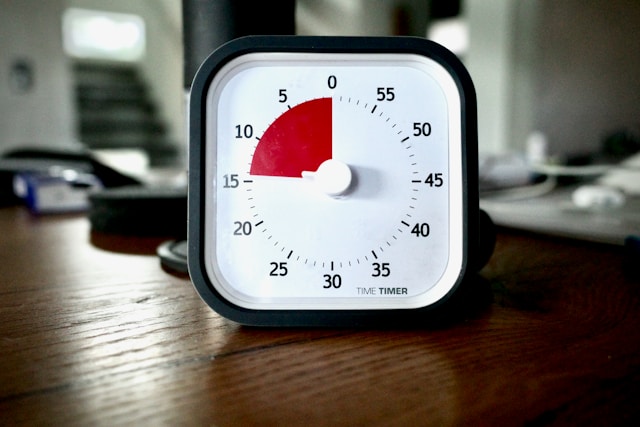
Some days, opening the app is the hardest part. That is where pomodoro for ADHD can help: set a timer for five minutes, write until it rings, and stop. A tiny commitment feels safer than an open-ended one. The classic 25 minute block does not suit everyone, since some people need longer to settle into focus, so adjust the length until it feels right.
Prompts That Keep You Writing
Keep two or three prompts at the top of your page or in a pinned note:
- Small wins: What did I finish this week, even if it was tiny?
- Body check: What am I feeling right now, and where do I notice it?
- Attention patterns: When did I hyperfocus lately, and what set it off?
Use Color as a Personal Code
Color coding helps you spot tasks, moods, or deadlines at a glance. Just keep your expectations realistic. Research on color psychology is still young, and one major review urges patience and prudence before drawing firm conclusions. So skip the idea that blue calms everyone. Choose colors that mean something to you, like red for deadlines and green for wins, and keep them consistent.
What Are the Best Tools for ADHD Digital Journaling?
The best tools for ADHD digital journaling make capture fast and review easy. Notion suits flexible journals, Reclaim AI protects the time you set aside, and BeforeSunset AI helps you plan and reflect on your day. You can find more picks in our list of cool tools for neurodivergent workflows.
Notion for a Flexible Journal

Notion lets you build a journal with templates for tasks, goals, and calendars in one place. Start with a ready-made page, such as these ADHD Notion templates, then trim it down. Fewer fields means less upkeep.
Reclaim AI to Protect Your Journaling Time

Forgetting to journal is often a calendar problem, not a motivation problem. Reclaim AI is an AI calendar that works with Google Calendar and Outlook. Its Habits feature flexibly holds time for routines, so a five minute journal check-in gets a slot that shifts around meetings instead of vanishing. Its Focus Time and Buffer Time features also leave room to decompress after a busy call.
BeforeSunset AI for Your Daily Plan and Review

BeforeSunset AI is an AI daily planner that syncs your calendar and to-do list, with a focus mode and daily analytics. Use it to plan your morning, then review what you finished at night, which doubles as a ready-made journal entry. Treat the AI suggestions as drafts and adjust them to match your real energy.
Prefer Microsoft apps? See our guide to digital journaling with OneNote. If you like structure, try bullet journaling digitally.
Can ADHD Digital Journaling Help With Sleep?
It can help some people. Writing down tomorrow’s worries before bed clears mental clutter, which supports better ADHD sleep hygiene. Research on sleep and ADHD is still developing, and not everyone with ADHD has trouble sleeping, so treat journaling as one helpful habit, not a cure.
Keep the bedtime entry to three lines: one worry, one win, and one task for tomorrow. If a bright screen keeps you wired, dim it or switch to paper at night.
How Can You Make ADHD Digital Journaling Fit Your Brain and Culture?
Let your journal flex. Inclusivity for ADHD means offering more than one way to journal, typed notes, voice memos, doodles, or checklists. Healthline encourages visuals too, and perfect spelling does not matter, so write messy and move on.
Culture matters as well. A 2025 study of Filipino women diagnosed with ADHD in adulthood notes that ADHD in women often goes undiagnosed until later in life, and it calls for culturally sensitive support. If you are one of the many Filipino women with ADHD who learned to cope without a diagnosis, a journal can be a private space with no one to impress. Write in Taglish, Tagalog, or Bisaya, whatever your thoughts actually sound like.
What Should You Do When You Miss Days?
Open a fresh page, write today’s date, and start from there. Do not try to catch up. ADHD is cyclical, and your energy for routines changes with sleep, stress, and life.
Reset your timeline too. The idea that habits form in 21 days is a myth. ScienceInsights points to a 2024 meta-analysis showing many health habits take two to five months, with huge individual variation. So judge your journal by whether you use it, not by how it looks. A page with gaps and messy notes is a page doing its job.
Once a week, scan your entries for patterns, like what drains you and what helps. On hard weeks, lean on the basics in our ADHD self-care guide first. For more habit help, read about building a digital journaling habit and creative digital journaling ideas.

Your Journal Only Has to Be Used, Not Perfect
ADHD digital journaling is not about writing beautifully. It is about getting thoughts out of your head so you can see them, sort them, and act on them. Short entries, simple prompts, and a daily cue do most of the work.
Start small this week. Pick one tool, write three lines, and let a calendar block or planner remind you. If you skip a day, begin again. Your journal will be waiting.
Give Your Journaling Habit a Time Slot
ADHD digital journaling only works if it has a place in your day. Reclaim AI automatically finds time on your calendar for habits like a five minute journal check-in, then protects that time when meetings shift. Let your calendar do the remembering.
Frequently Asked Questions
What is ADHD digital journaling?
It is the practice of writing down tasks, thoughts, and feelings in an app so your brain does not have to hold them all. Short entries and prompts make it easier to stick with.
How often should I journal if I have ADHD?
Start with three short entries a week, then add days as it feels easy. Consistency matters more than length.
Can digital journaling replace therapy or medication?
No, journaling is a support tool and not a treatment. Talk with a licensed professional about diagnosis and care.

Maria is a digital marketing professional, specializing in content marketing and SEO. She's a neurodivergent who strives to raise awareness, and overcome the stigma that envelopes around mental health.




No Comment! Be the first one.